

Clinical Documentation on the Go
A practical mobile documentation workflow for preserving encounter context without compromising patient identity, privacy, or clinician review.
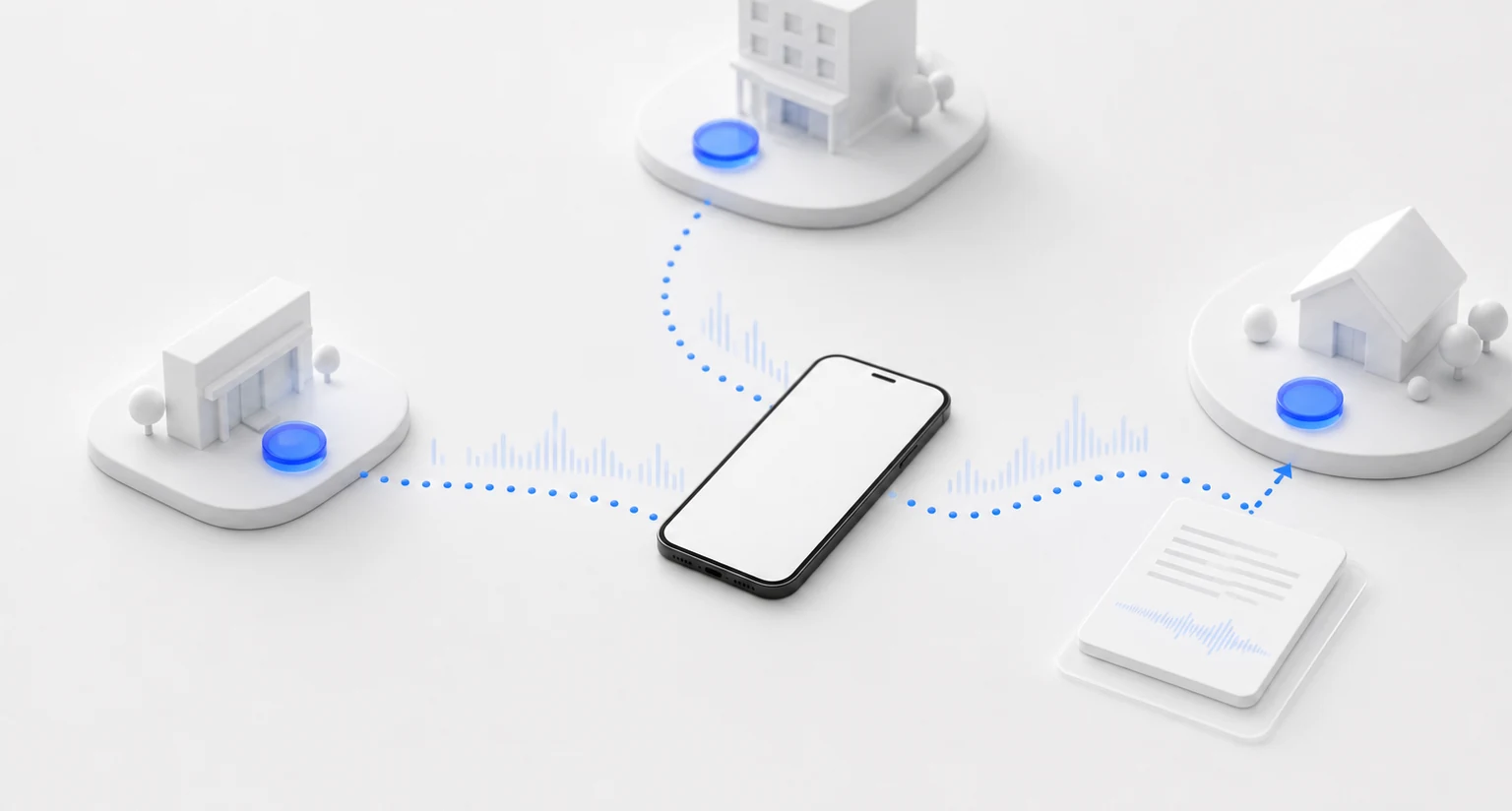
Care does not always happen within reach of a workstation. Clinicians move between exam rooms, inpatient units, remote sessions, community settings, and home visits. Documentation, however, still has to arrive in the right chart, with the right clinical context, after a careful review.
A mobile workflow can help preserve an encounter while it is fresh. It can also create new risks if a device is lost, the wrong patient is selected, a recording begins without the required disclosure, or a draft is treated as final because reviewing it later feels inconvenient.
The useful question is not “Can clinicians chart from a phone?” It is “Which parts of documentation belong on mobile, and what controls keep the workflow reliable?”
Mobile should preserve context, not demand constant charting
Mobility is most valuable at transition points: immediately before a visit, during an approved recording, just after the encounter, or while returning to a draft that already belongs to the correct patient. It should reduce the need for scraps of paper, memory cues, and disconnected voice memos.
It should not create an expectation that clinicians document while walking, driving, crossing public spaces, or responding to another patient. AHRQ notes that task switching and interruptions consume working-memory resources and can contribute to cognitive overload (AHRQ). A safe mobile workflow therefore creates short, intentional moments for capture and review rather than making documentation continuous.
Start with privacy, security, and consent
HIPAA does not prohibit mobile access to electronic protected health information. HHS states that covered entities and business associates may use mobile devices to access ePHI in the cloud when appropriate administrative, physical, and technical safeguards are in place and appropriate business associate agreements exist with service providers that access the data (HHS Office for Civil Rights).
That is a conditional permission, not a blanket approval of every phone or app. Before deployment, an organization should include the complete mobile workflow in its risk analysis: the device, app, accounts, network, recording, transmission, storage, deletion, and handoff into the EHR.
At minimum, practices should address:
- Device authentication, automatic locking, current software, and the ability to remove access from a lost or stolen device.
- Encryption and approved networks for transmitting ePHI.
- Role-based access and prompt deprovisioning when a staff member’s role changes.
- Where recordings and drafts are stored, how long they are retained, and how they are securely deleted.
- Whether ePHI is written to the device’s general photo, file, voice memo, notification, or backup systems.
- Procedures for loss, theft, suspected access, and downtime.
- Business associate agreements and vendor review where required.
For a deeper operational checklist, see keeping mobile charting secure.
HHS calls risk analysis foundational to selecting reasonable and appropriate safeguards, and its guidance makes clear that the analysis must cover ePHI in all forms of electronic media, including portable devices (HHS risk-analysis guidance). A product described as HIPAA-compliant does not, by itself, make an organization’s overall use of it compliant.
Recording adds another layer. Establish how the clinician will notify the patient, document consent when required, handle a refusal, and stop capture for sensitive or unrelated discussion. HIPAA sets a federal privacy floor; state laws can provide additional protections, including consent requirements (HHS on state-law preemption). Organizations should obtain legal and compliance guidance for the jurisdictions and care settings in which they operate.
Use a deliberate mobile workflow
The following sequence keeps mobile documentation connected to the encounter and to the final EHR record.
Before the visit: establish patient and purpose
Open the visit from an approved, authenticated device. Confirm at least two patient identifiers according to organizational policy, then select or create the correct encounter. Choose the appropriate note template before recording so the resulting draft has the expected structure. Good naming and grouping practices also make it easier to organize patient visit history when a clinician moves between settings.
Reliable patient identification is a safety issue, not a clerical detail. ONC’s SAFER guidance emphasizes that accurate patient identification ensures information displayed and entered in the EHR is associated with the correct person (ONC SAFER Guides). The same principle should govern every upstream documentation tool.
Explain the recording or capture process to the patient and complete the required consent steps. Confirm that the physical setting is appropriate: other patients, visitors, hallway conversations, and speakerphone audio can introduce information that does not belong in the encounter.
During the visit: capture only what belongs
Start capture deliberately and make the recording state clear. Keep the conversation patient-centered rather than narrating every EHR field. Pause or stop when the discussion moves outside the approved purpose.
Do not assume audio contains the whole clinical record. Physical findings, reviewed images, information from external records, clinician observations, and medical decision-making may need to be entered separately. If connectivity is unreliable, follow the approved downtime workflow instead of moving PHI into a consumer recording or messaging app.
After the visit: verify the association and draft
End capture before leaving the encounter context. Confirm again that the recording is attached to the intended patient and visit, then generate the draft using the selected template. A short verification at this stage is easier than discovering a patient mismatch after content has been copied elsewhere.
Check that the draft reflects the conversation and that no nearby speech or unrelated content was included. Add examination findings and clinical reasoning that were not spoken. Mark the draft as needing review if the workflow allows the clinician to continue on another device.
At review: use a larger screen when the task requires it
A phone can be appropriate for capture, patient selection, and a first review. A dense or complex chart may be safer and easier to verify on a larger screen. Device synchronization should support a clean handoff without creating duplicate drafts.
Use a repeatable checklist:
- Confirm patient, encounter date, and visit type.
- Verify history, examination findings, results, assessment, and plan against the encounter.
- Check names, pronouns, medications, allergies, doses, measurements, dates, negations, and follow-up instructions.
- Remove duplication, irrelevant conversation, and unsupported statements.
- Copy only finalized content into the correct EHR encounter and confirm the transfer.
CMS states that providers are responsible for documenting each encounter completely, accurately, and on time (CMS Documentation Matters). Mobile convenience does not change that standard.
A ChartScribe mobile path from visit to EHR
The ChartScribe mobile app is designed around the path from conversation to chart. A clinician can record a visit from the phone or upload an existing recording, associate the visit with a patient, and choose a SOAP, DWI, intake, or custom template. ChartScribe then creates a structured draft for review.
Visit history and patient organization help clinicians return to the correct work item, while cross-device syncing supports moving from mobile capture to review on another device. Clinicians can edit or regenerate the draft when needed and copy finalized documentation into the EHR.
ChartScribe is presented as supporting HIPAA-compliant healthcare workflows. The surrounding practice still needs to configure access, devices, consent, retention, vendor agreements, staff training, incident response, and EHR transfer in accordance with its own risk analysis and legal obligations.
The safety boundary: mobile access does not shift accountability
ChartScribe produces a draft, not an independently verified clinical record. The authorized clinician must review the entire note and remains responsible for the final content placed in the EHR. Generated notes can omit details, introduce unsupported statements, confuse speakers, or misinterpret medical language. Never use the draft as a substitute for clinical judgment, source records, or required examination and decision-making documentation. Use a consistent pre-finalization chart review rather than relying on a quick mobile scan.
If patient identity is uncertain, consent is unresolved, the environment is not private, or the device or connection is outside the approved workflow, stop and use the organization’s alternative process. Do not trade a small gain in convenience for a patient-matching or privacy risk.
The strongest mobile workflow is intentionally limited: capture context at the point of care, keep each visit organized, review in an appropriate setting, and move only clinician-approved content into the EHR.